Sail Kokokahi
Centralized system for monitoring volunteer hours for Sail Kokokahi
Project maintained by Sail-Kokokahi Hosted on GitHub Pages — Theme by mattgraham
Sail Kokokahi

Table of contents
- Deployment
- Overview
- Developer Guide
- User Guide
- Mockup Pages
- Milestone 1
- Milestone 2
- Milestone 3
- Community Feedback
Team Contract
Team Members: Ethan Christman, John Holt, Jett Perry
Deployment
See our project deployed at Vercel here
Overview
Sail Kokokahi is a social/recreation club established in 2022 as a way to establish contact among people who share the love of recreational boat sailing. They are located at Kaneohe Bay on Oahu, Hawaii and need a way to enforce their “Work, Play, Pay” policy. This policy was designed to ensure that each and every member of the club contributes to the clubs growth through social engagement and volunteer work. Each member is expected to meet the annual quota of 6 hours through work such as:
- Approved activities such as maintenance projects or club clean-up days (1.5hrs per event)
- Volunteering at club events (1hr per event)
- Helping organize social activities (1hr per event)
If members do not meet the quota of 6 hours they will be billed at 20 dollars per unfulfilled hour. The problem with enforcing this policy resides in the members volunteer hours being tracked manually. Some members are unsure if they have met the quota for the year, while others are not fulfilling the commitment at all.
To solve this problem, our team will work torwards making a web application to mangage and monitor the volunteer hours contributed by each club member. The web application will enable members to monitor their own volunteer hours, and allow administrators to track and automate the billing process for members with unfulfilled volunteer hours.
Developer Guide
- Clone repository with Github Desktop.
- cd into the
/sail-kokokahifolder. - Install Next.js if needed (see step 1 here).
- Run
npm run devto start the app locally. The app should start running in a few minutes, and the output should look similar to this:
PS C:\Users\minec\Desktop\sail-kokokahi> npm run dev

> nextjs-application-template-1@0.1.0 dev
> next dev

  ▲ Next.js 14.2.10
  - Local:        http://localhost:3000
  - Environments: .env.local, .env

 ✓ Starting...

=> App running at: http://localhost:3000/
   Type Control-C twice to stop.
To run eslint, run npm run lint.
User Guide
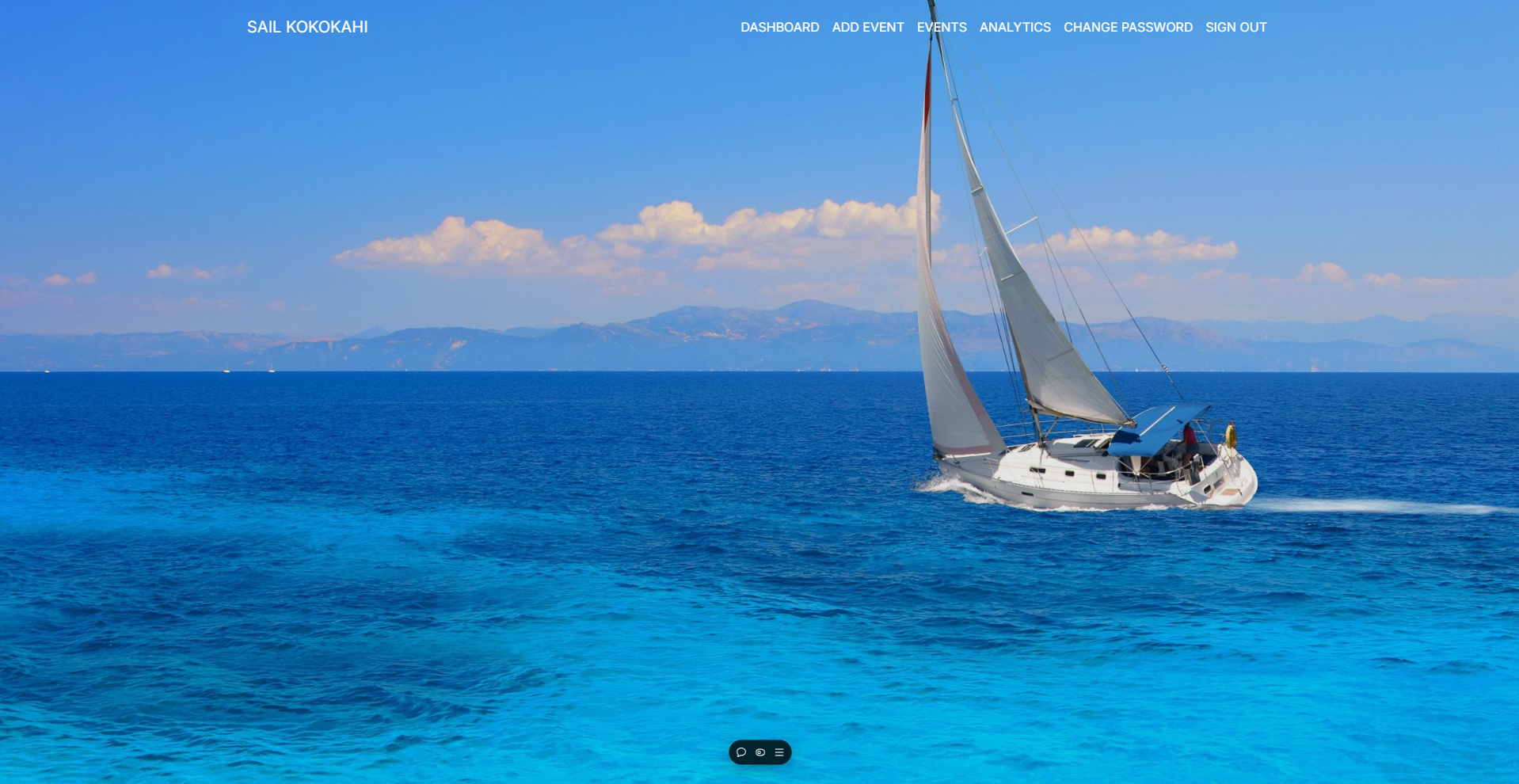
Upon visiting our website you will land on the initial landing page, from here you are required to sign in before being able to access any of the websites member or admin features.
Member User Guide
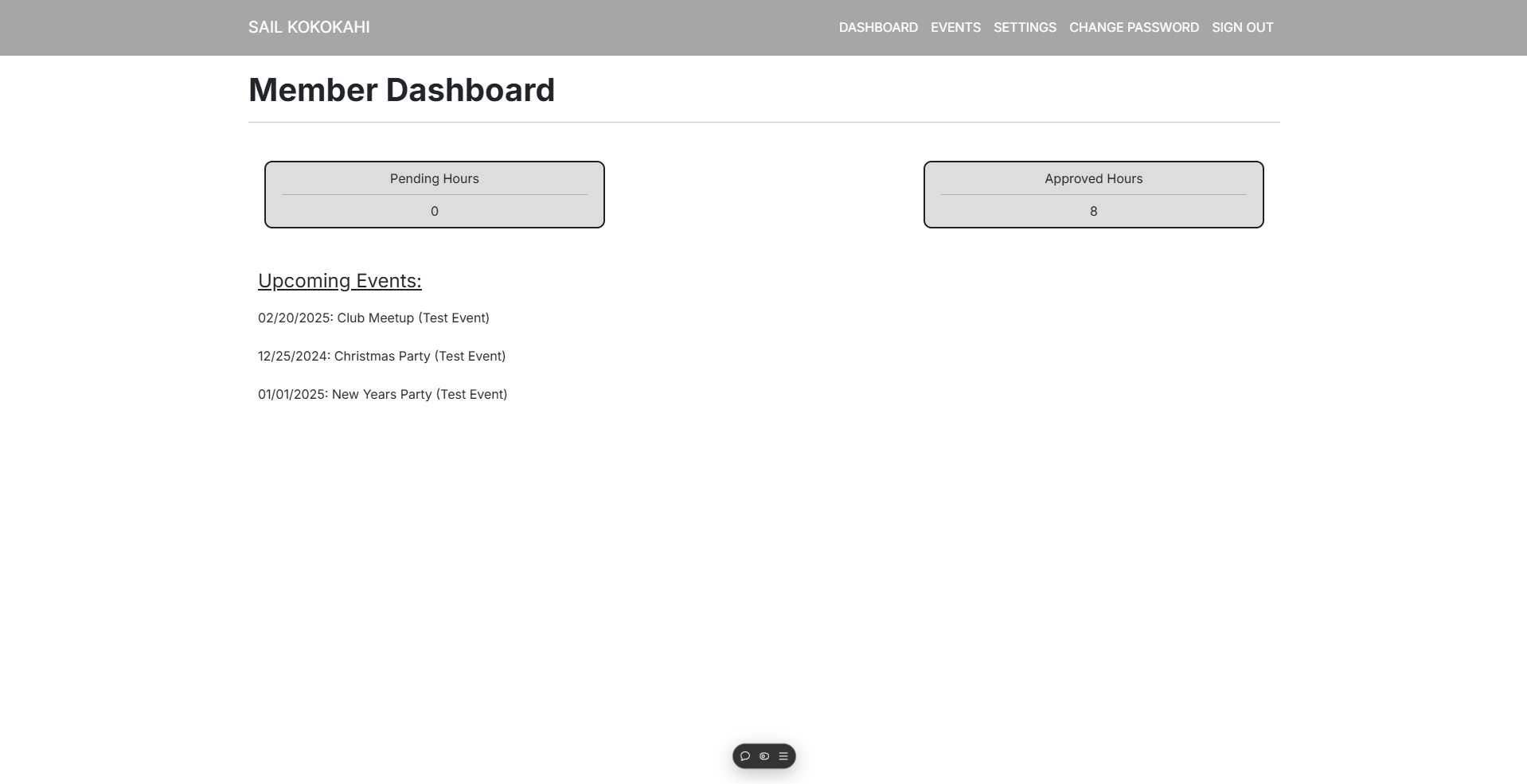
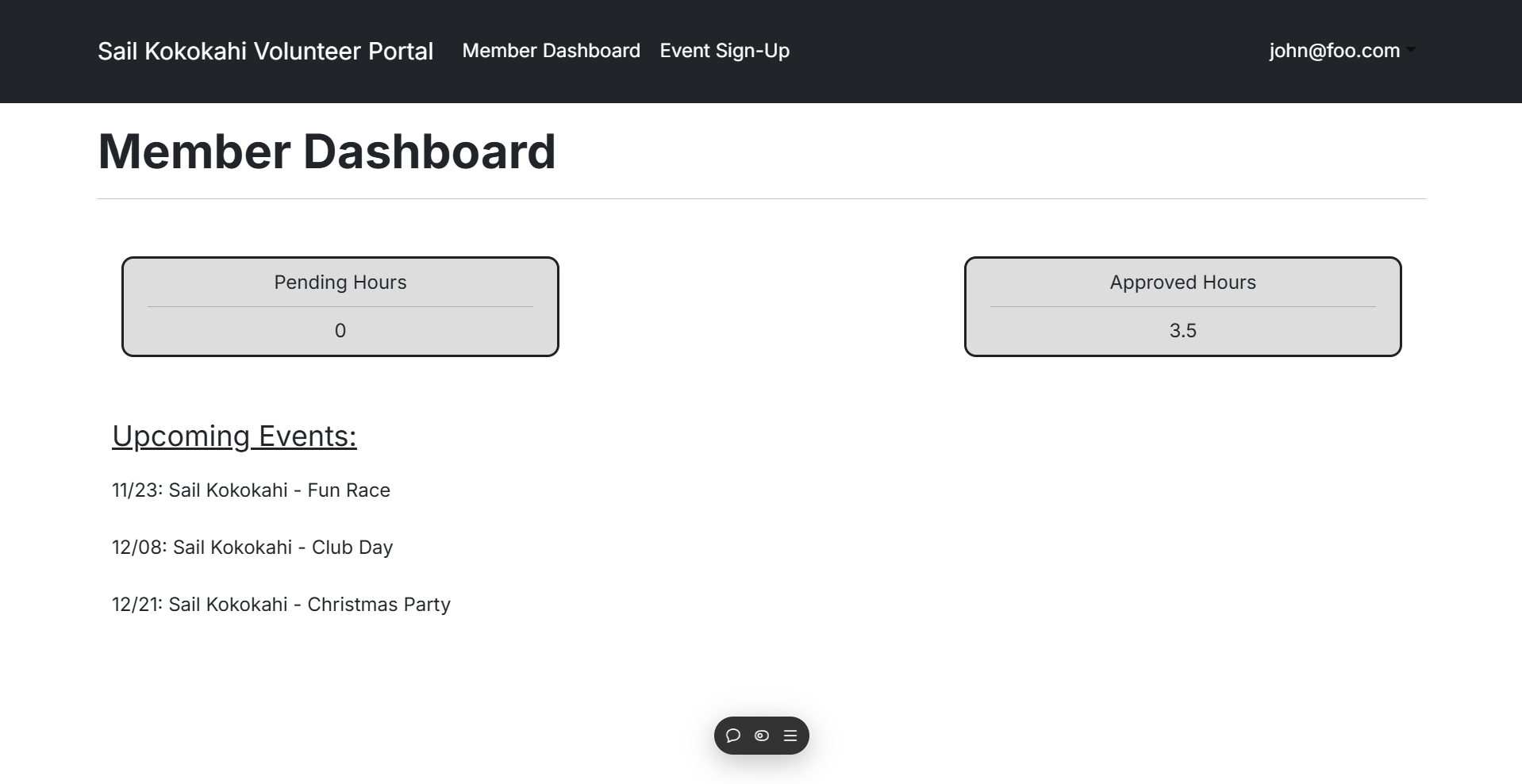
After signing in as a member, one of the pages you will be able to access is the member dashboard. On the member dashboard, you can see your own “pending” or “approved” hours. You can also view upcoming events that administrative users create.
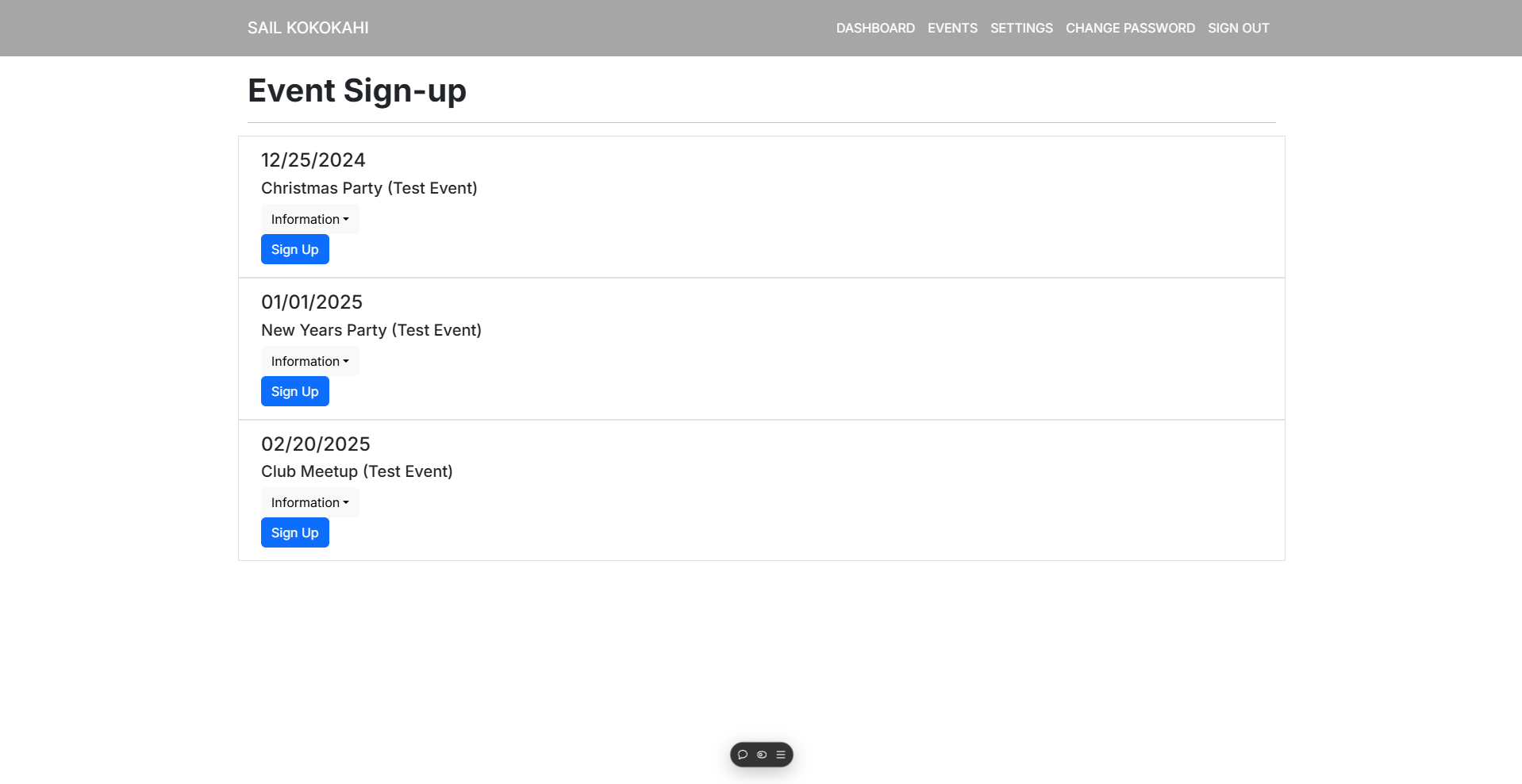
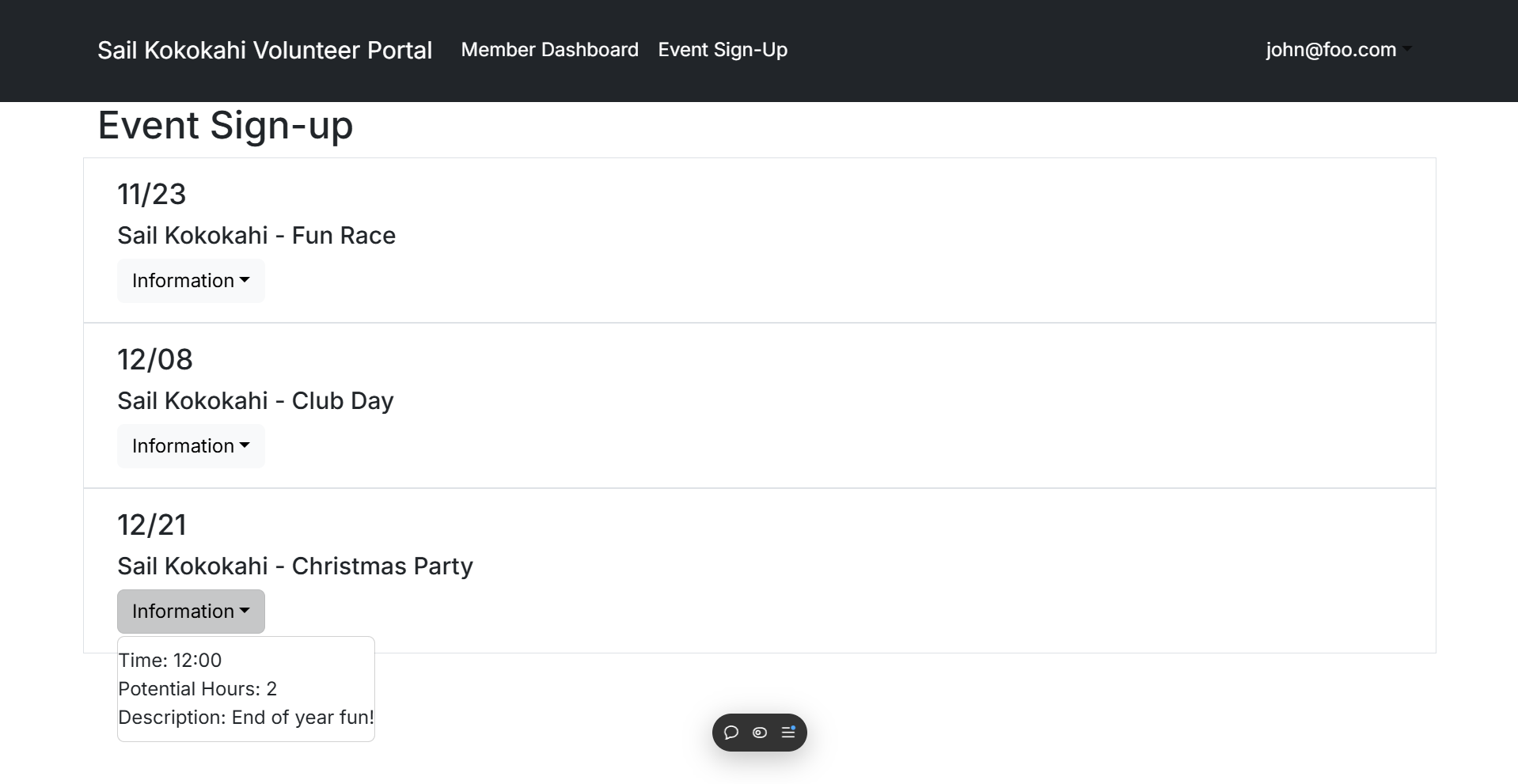
On the event sign-up page users can see upcoming events and details about events that admins can create. You can also sign up for events to let admins know that you are planning to attend.
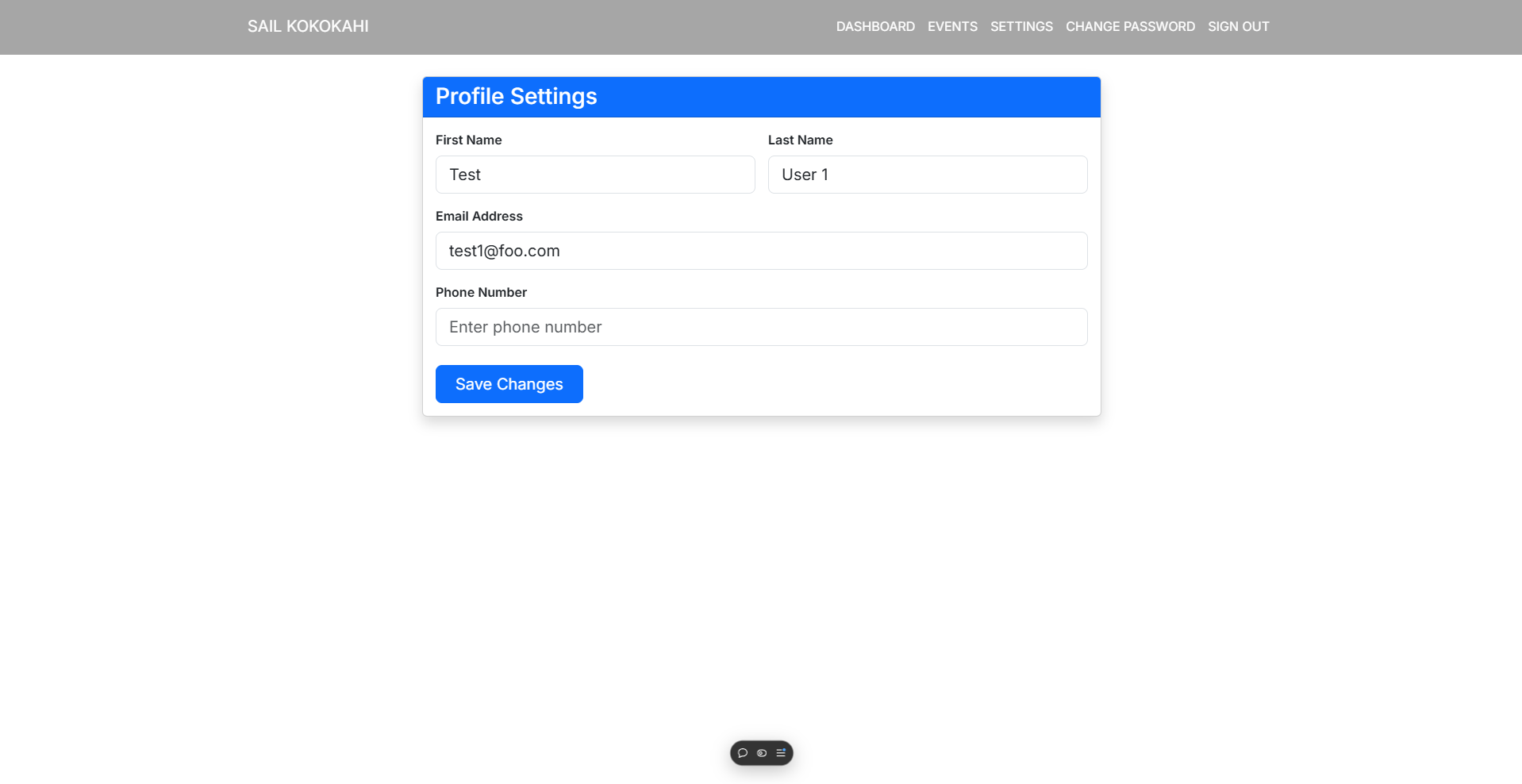
Members have access to the settings page where they can change their basic profile information if needed.
Admin User Guide
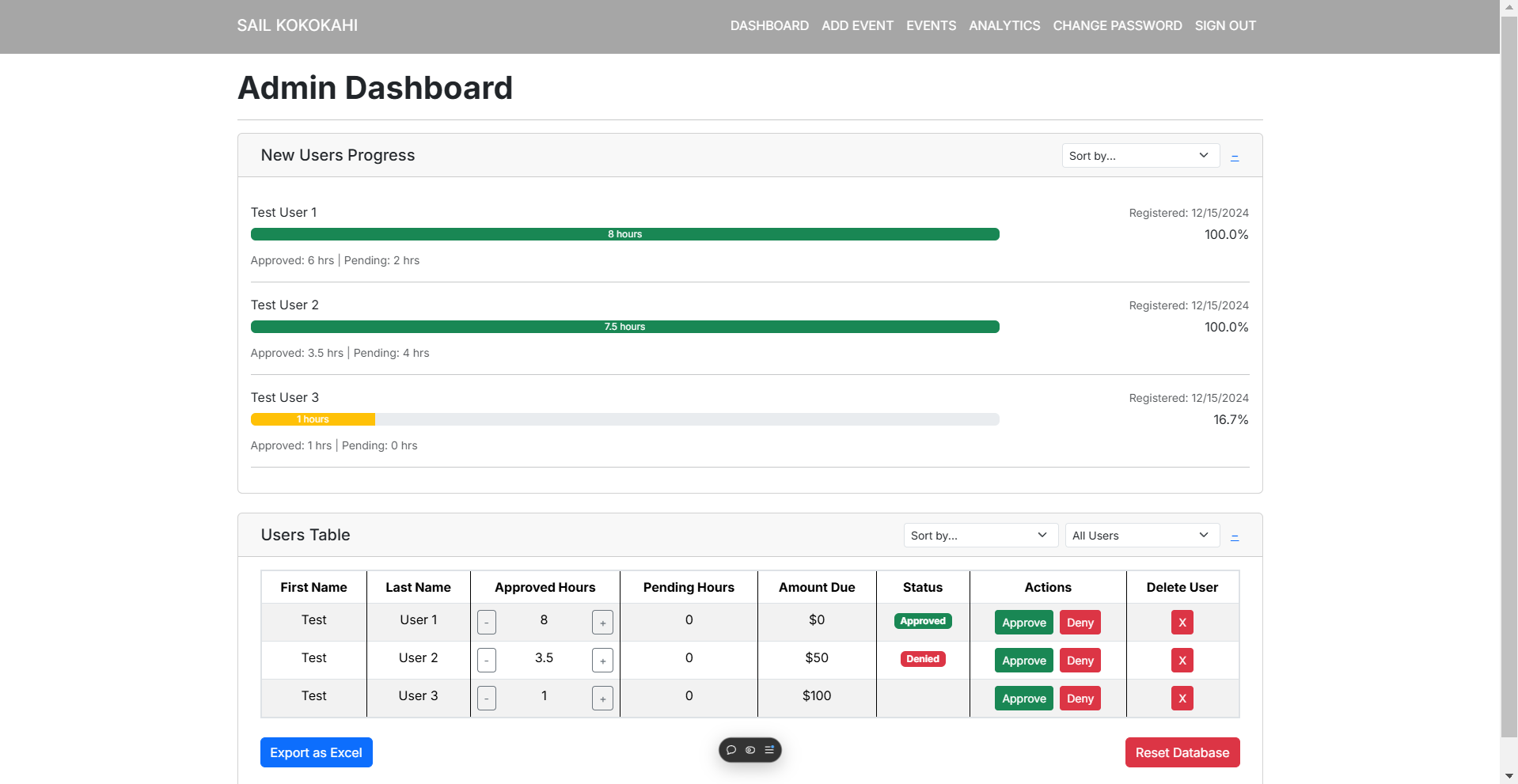
After signing in as an admin, one of the pages you will be able to access is the admin dashboard. On the admin dashboard you can see a table of all members in the database. The table displays the users approved hours, pending hours, and allows for admins to approve or deny pending hours. You will also see a chart that displays data for users with accounts that have been in the system for under a year.
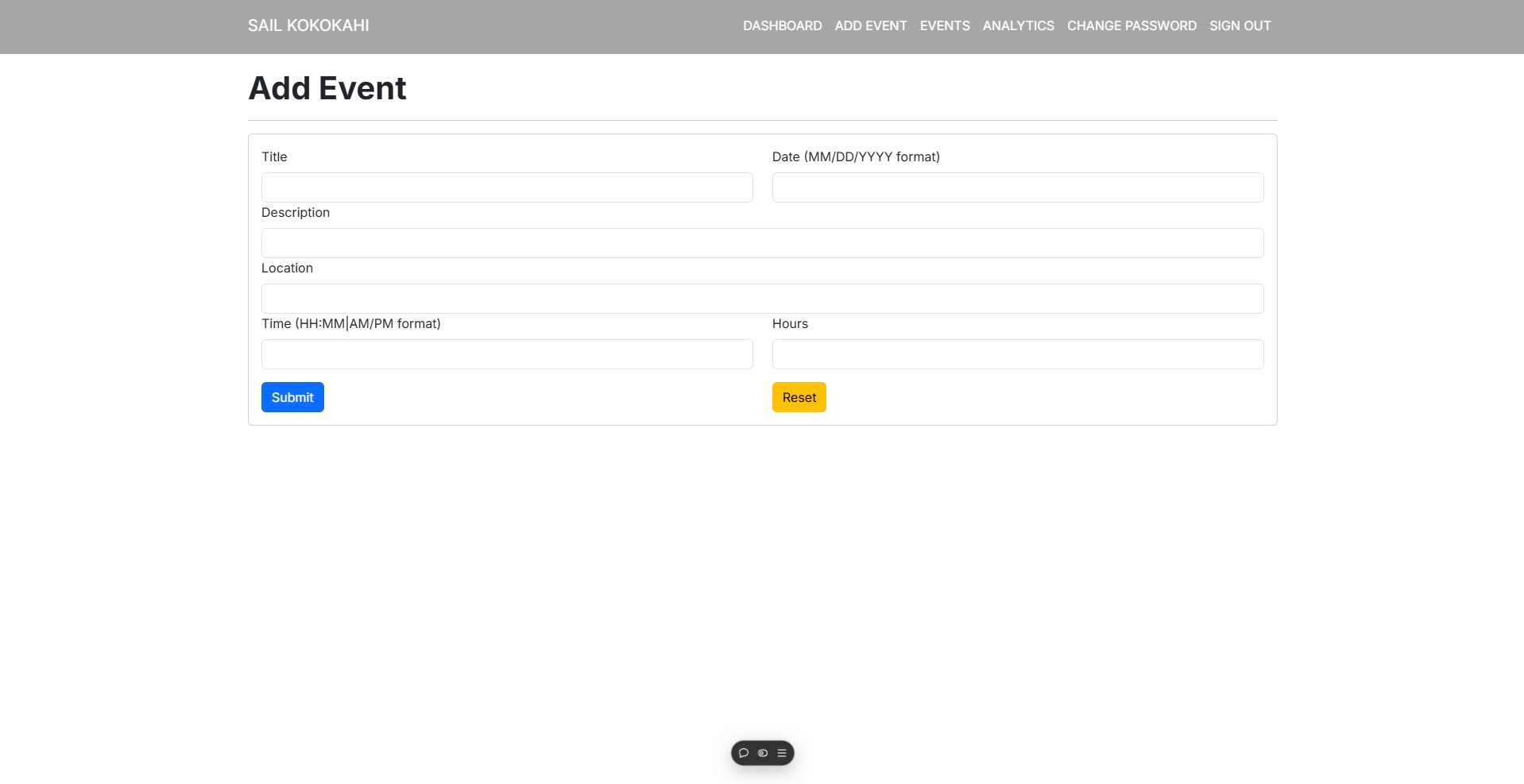
On the add event page, you can create events for users to view, sign-up, and check into.
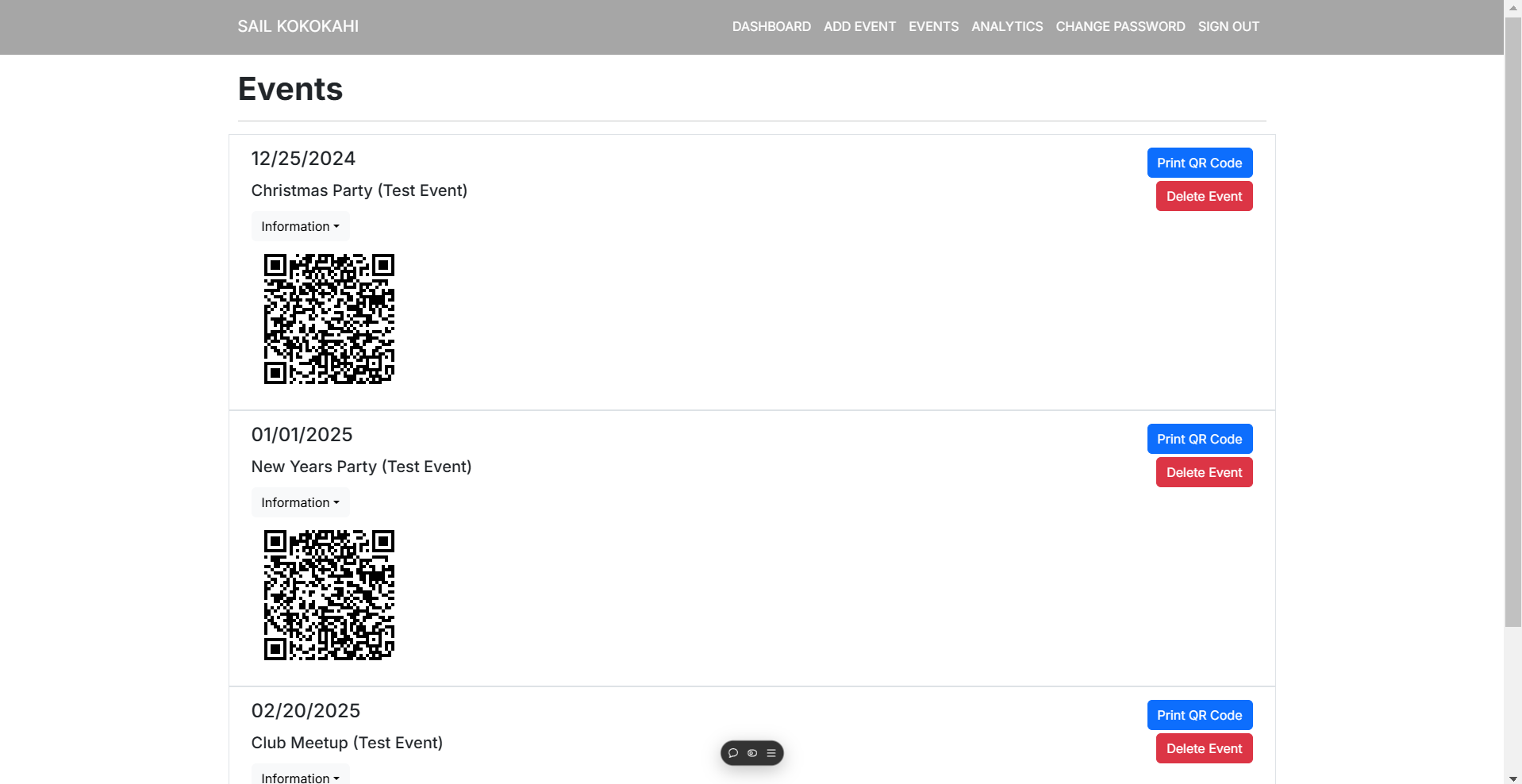
When you create an event via the add event page, your event will now be visible on the admin events page. This page provides admins with a QR code that they can print out to allow users to easily check into events. The page also allows admins to delete events once they are no longer needed.
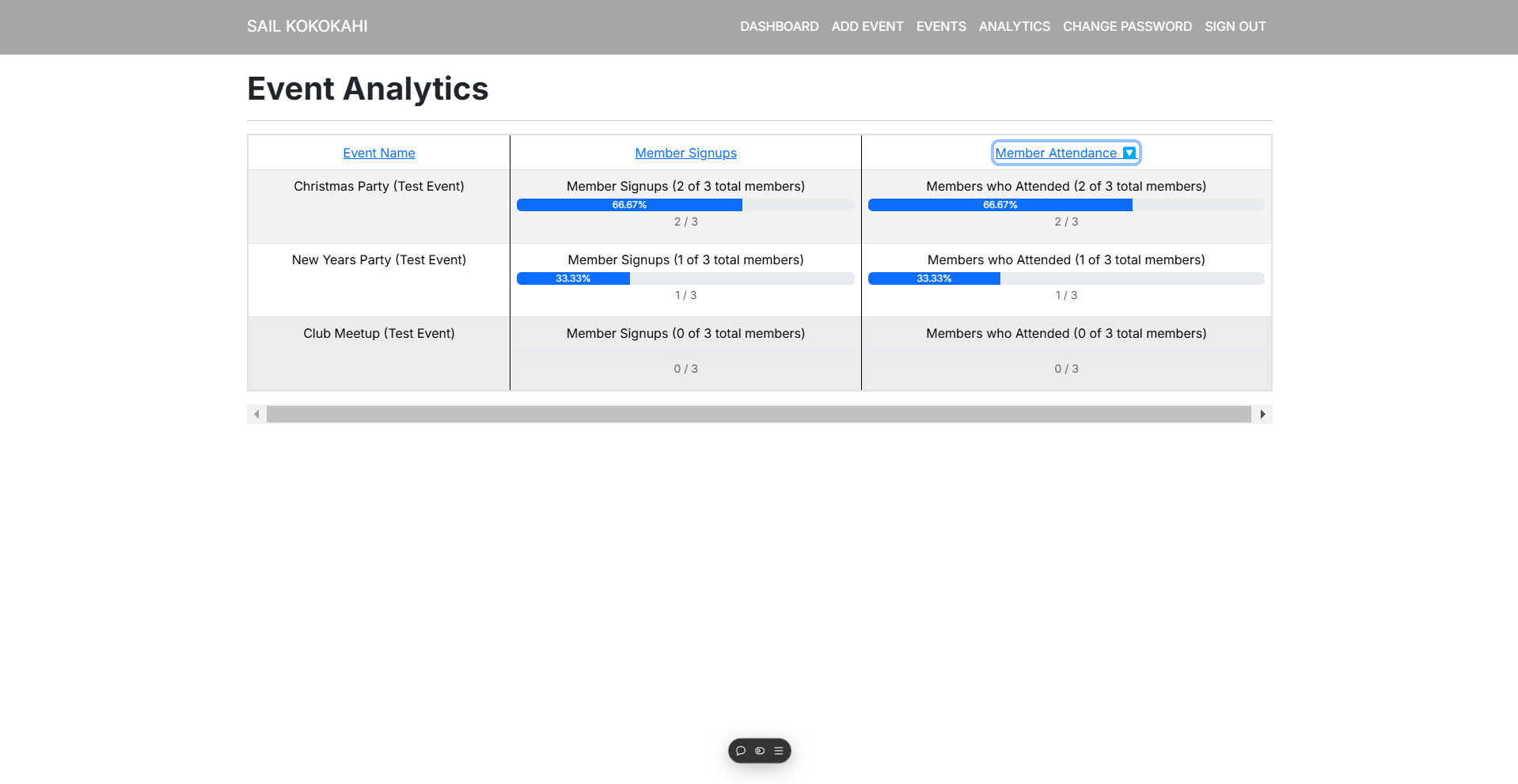
The event analytics page provides admin users with data on the events that users have checked into via the event QR code on the events page, and events that users have signed up for.
Mockup Pages
- Landing Page
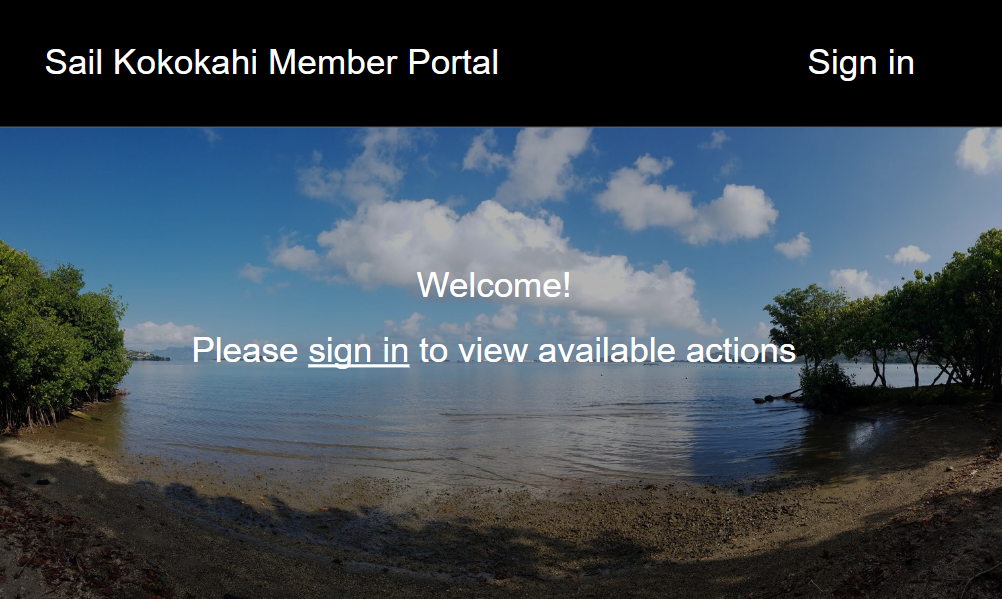
The intial landing page will simply direct club members to sign in to their accounts and does not provide any information until an account is created.
- Member Landing Page
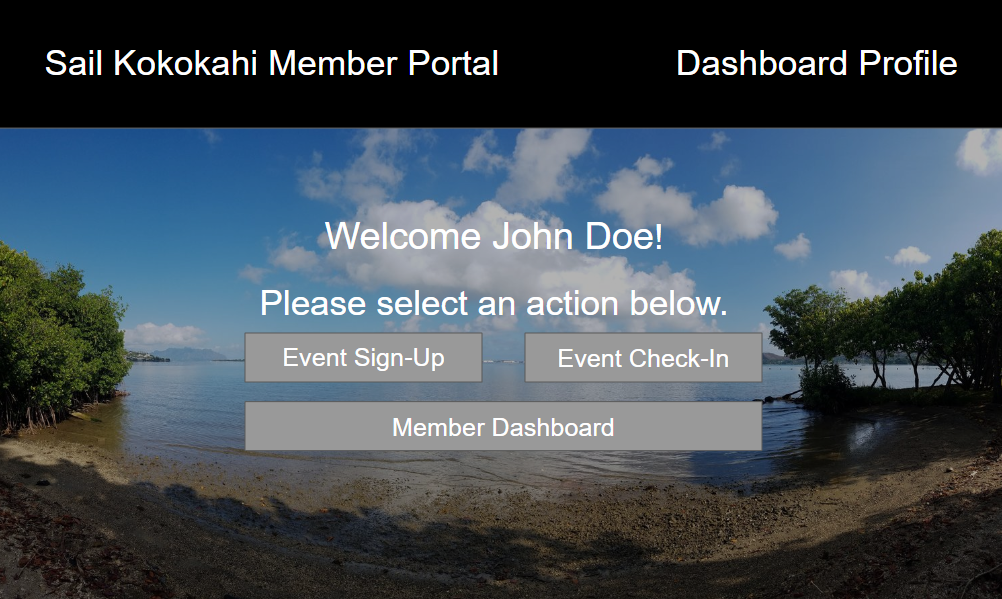
Once users sign in they will be redirected to the user landing page which will present them with 3 different actions: event sign up, event check in, and a dashboard where they can view their hours
- Member Dashboard
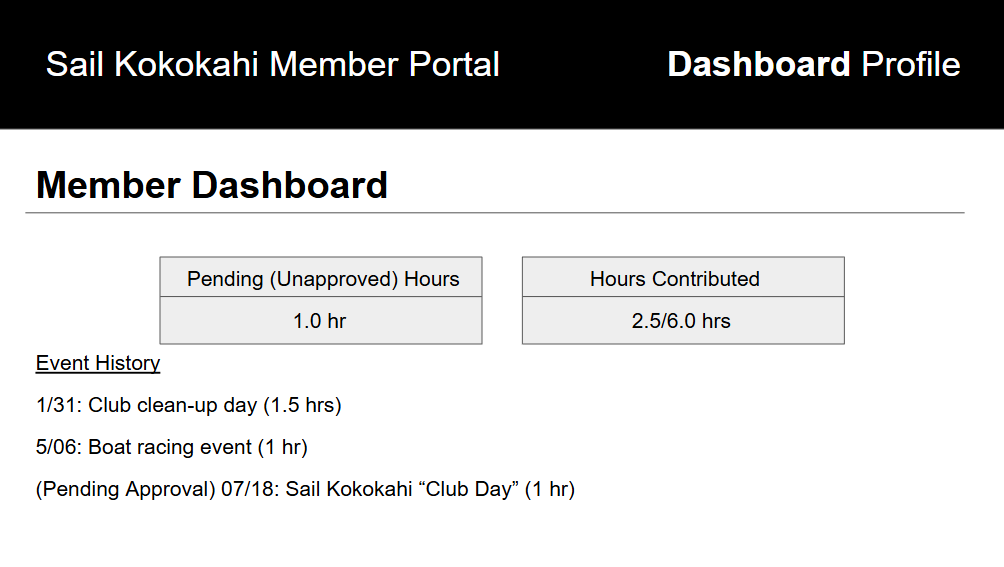
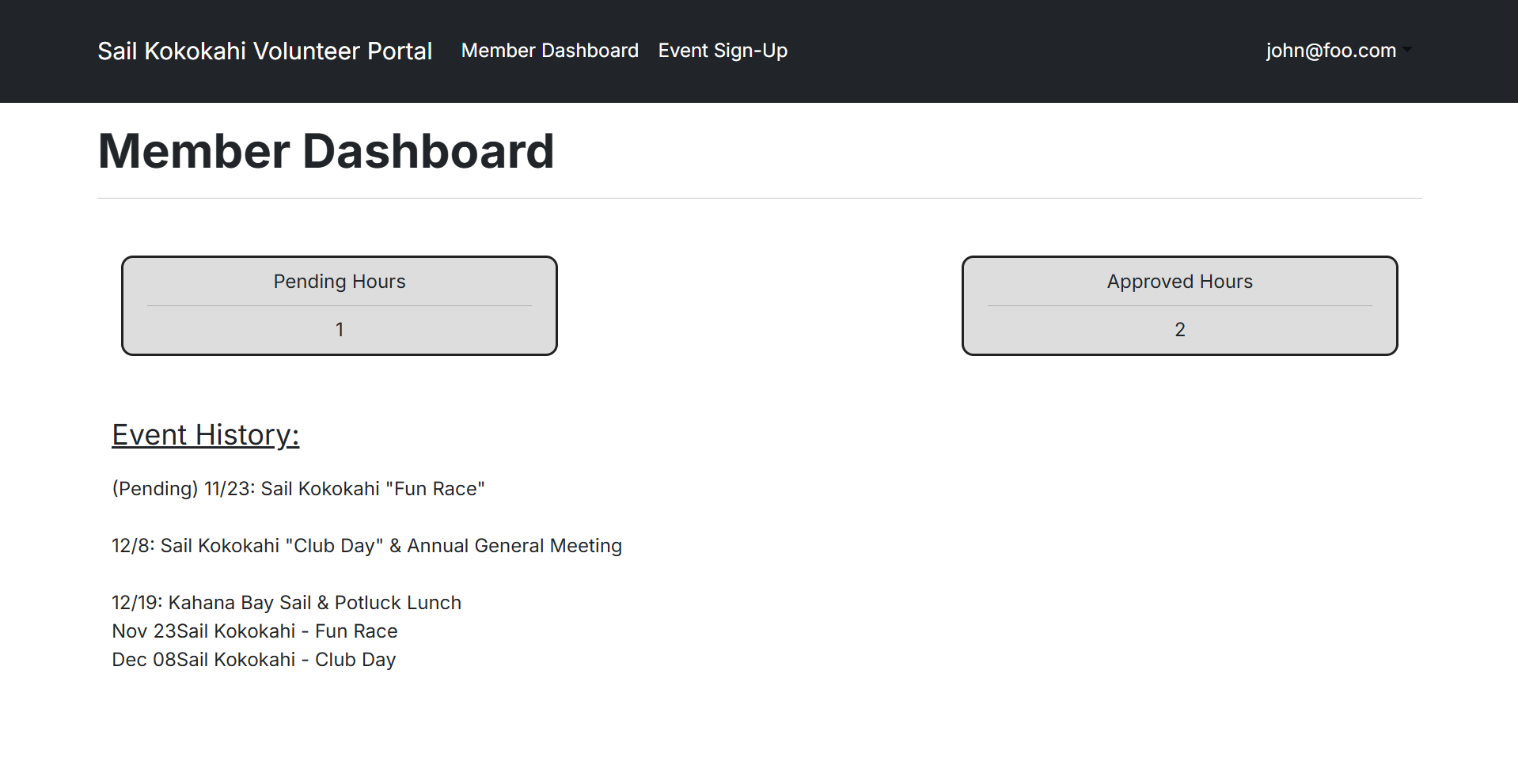
On the member dashboard screen, users will be able to view their pending hours and their total hours contributed for the year. The “pending” hours are hours that have yet to be approved by a member with administrative rights. The page will also have an event history where users can see events that they have signed up for throughout the year.
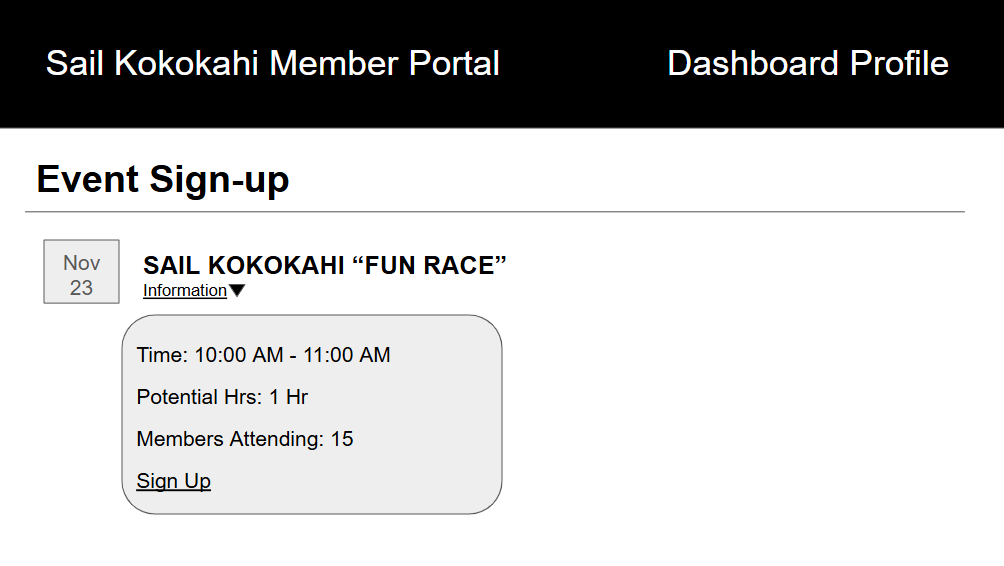
- Event Sign-Up
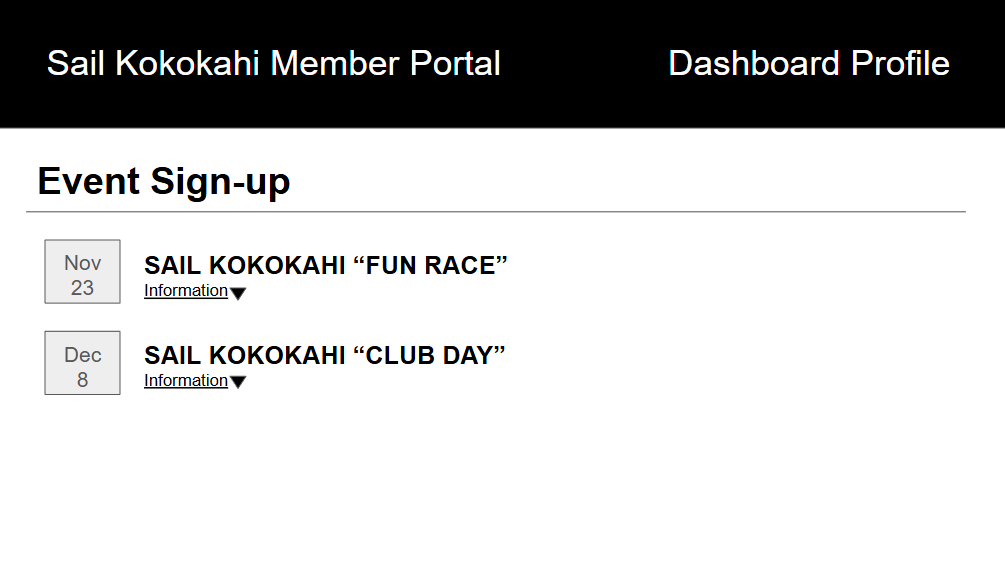
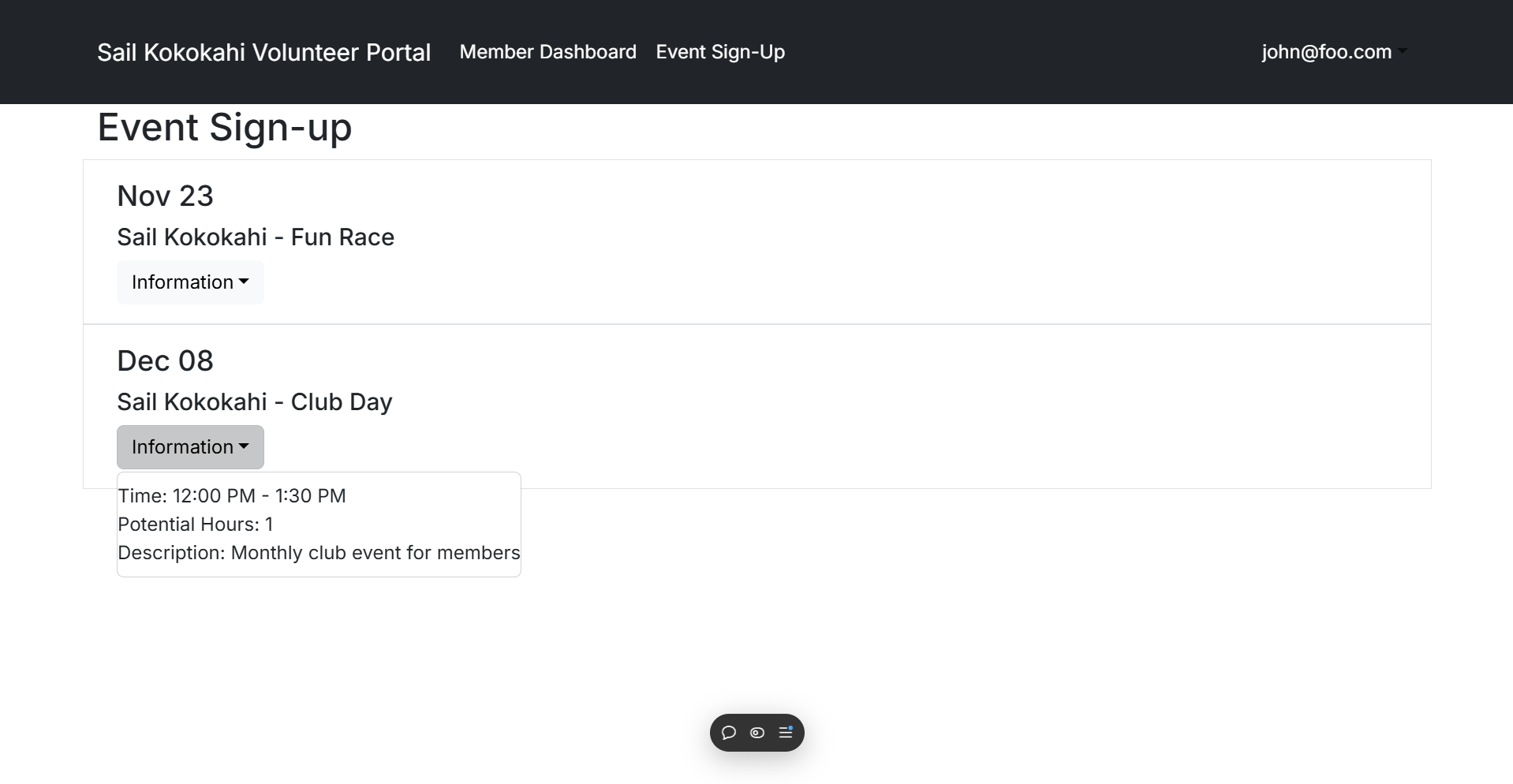
On the event sign-up screen, users can view upcoming events that can contribute to their annual quota of 6 volunteer hours. Events will have an information drop down menu that displays the time, potential hours to be gained, and members attending. The sign up button will move the event to the users “event-check-in” page that users can take advantage of on the day of the event.
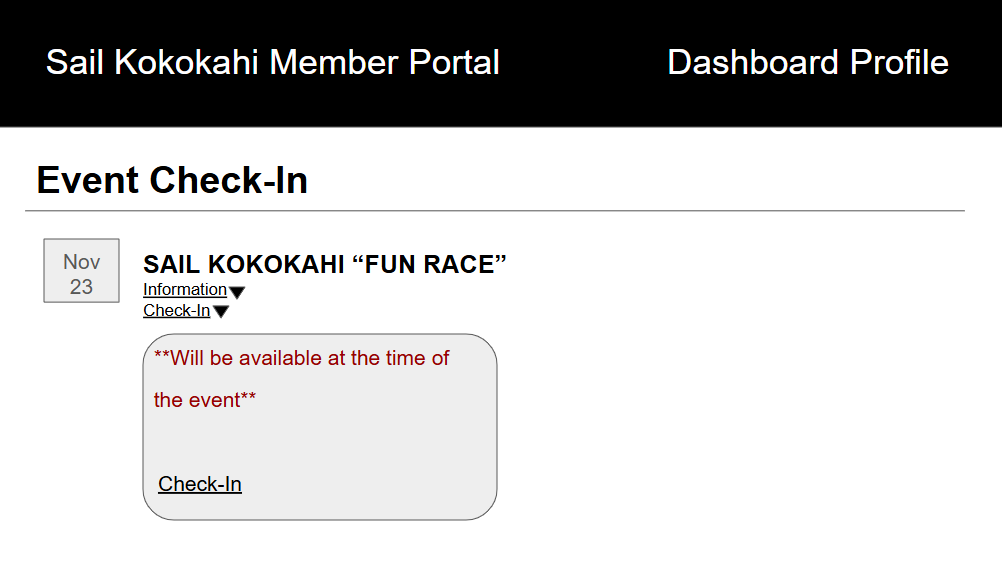
- Event Check-In
The event check-in screen will have a simillar format to the event sign-up screen. However, unlike the sign-up screen, only events that users have “signed up” for will show up here. The event will have a new check-in dropdown that users will be able to use to check-in to events they attend. Upon checking in the user will now have unapproved hours on the dashboard screen that can then be approved by administrative personnel.
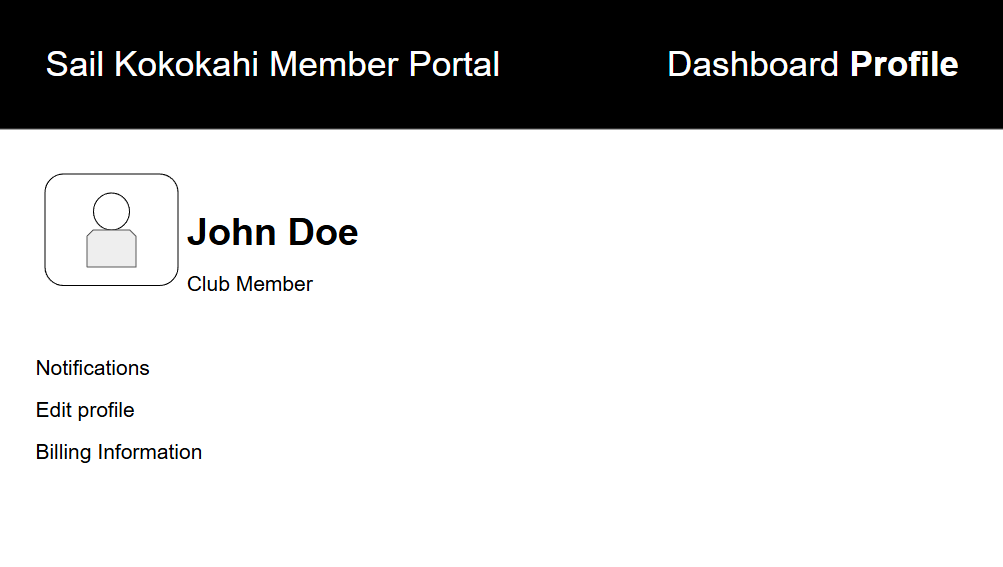
- Member Profile
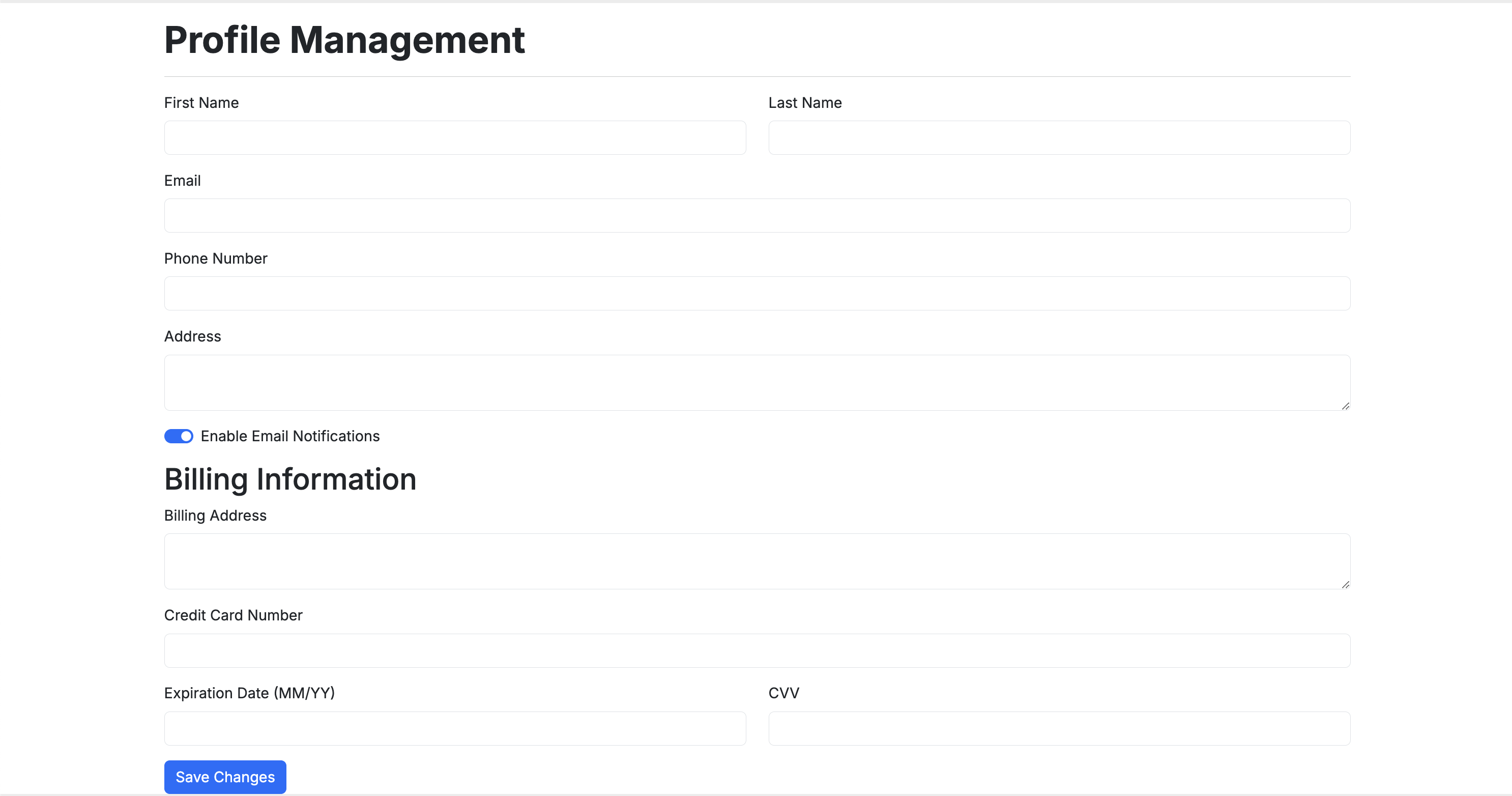
Users will also have their own personal profiles where they will be able to enable or disable email notifications, edit basic profile information, and their billing information for payments to the Kokokahi Sail team.
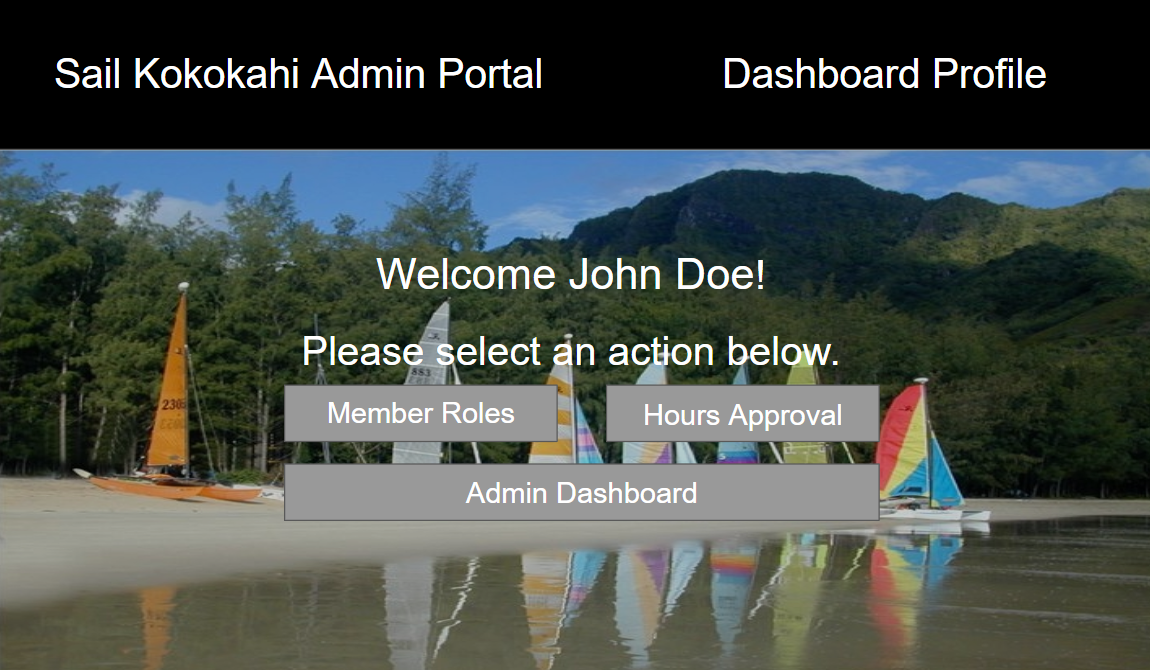
- Admin Landing Page
Once an administrative user signs in they will be redirected to the user landing page which will present them with some admin exclusive actions such as: admin dashboard, member roles, and an hours approval page.
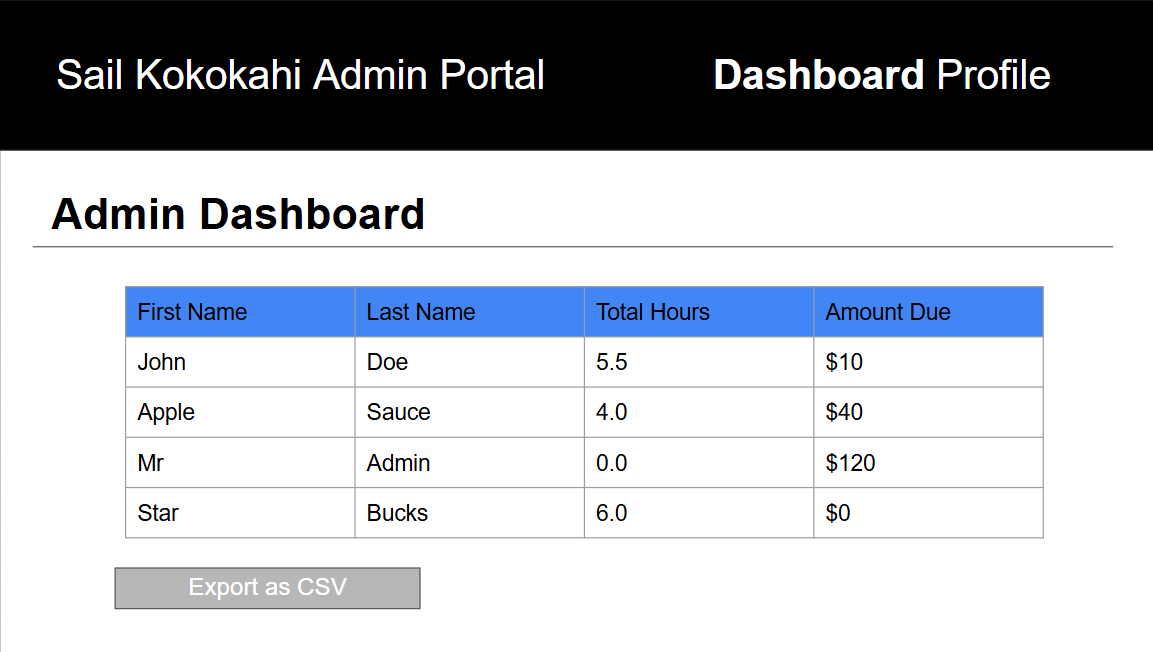
- Admin Dashboard
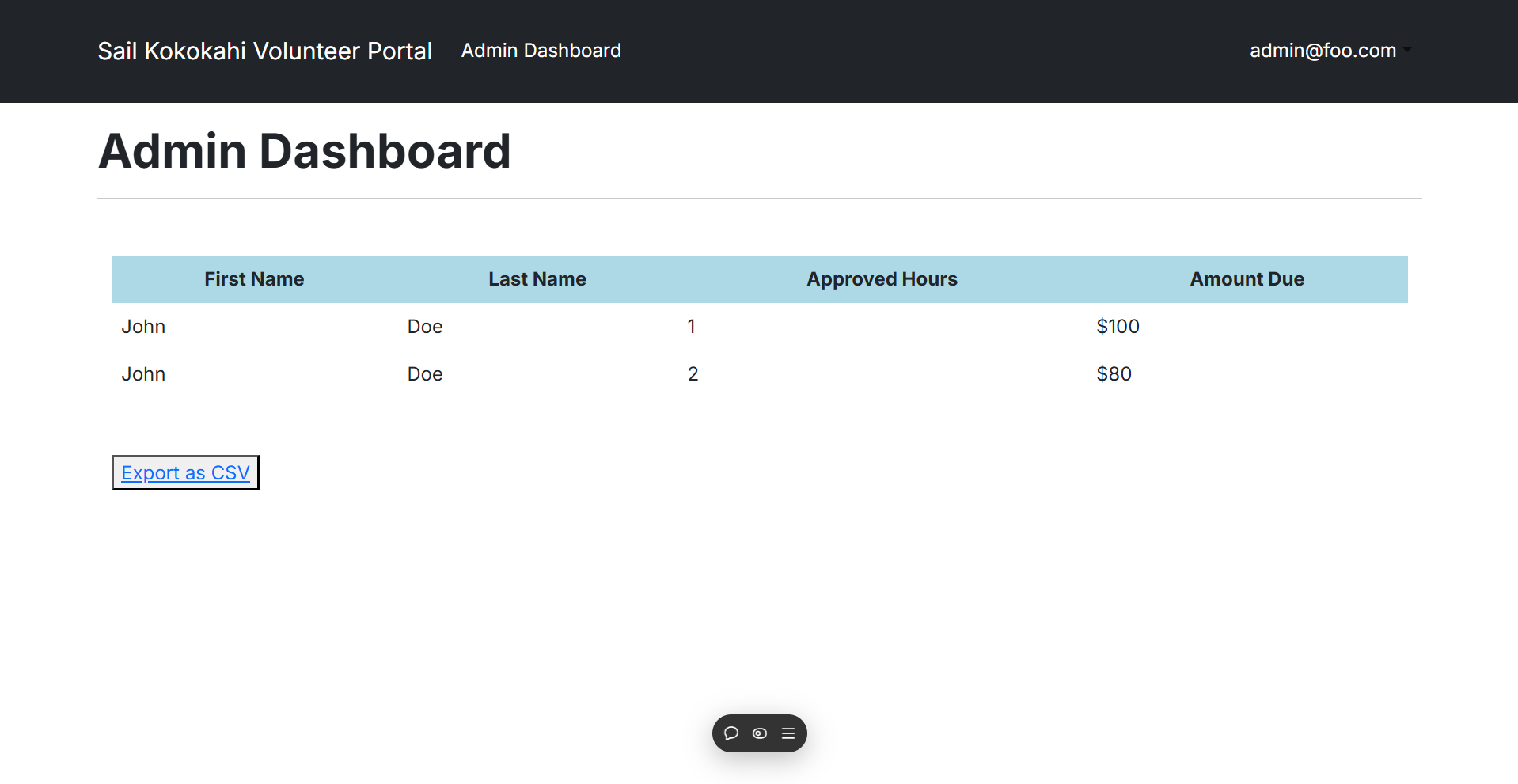
On the admin dashboard, admin users will be able to view a table that contains club member information, and the hours each member has logged for the year. This file will be an exportable excel sheet as well.
- Member Roles
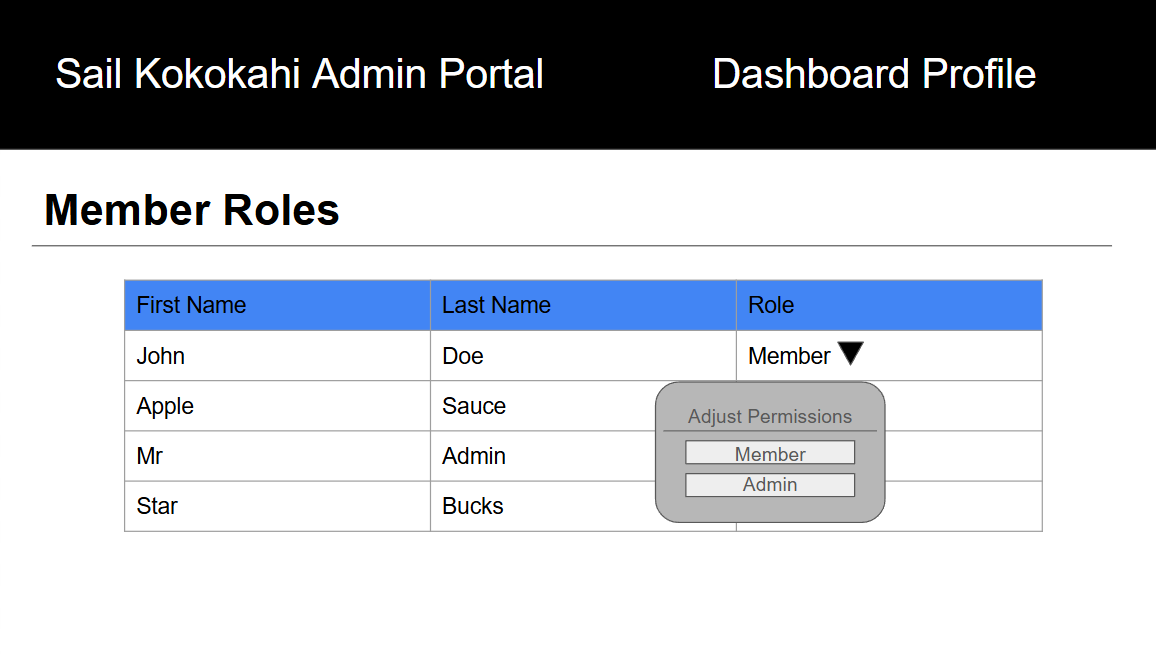
Admin users will also have access to the member roles page which they can use to adjust permissions of other members if they also require administrative rights.
- Hours Approval
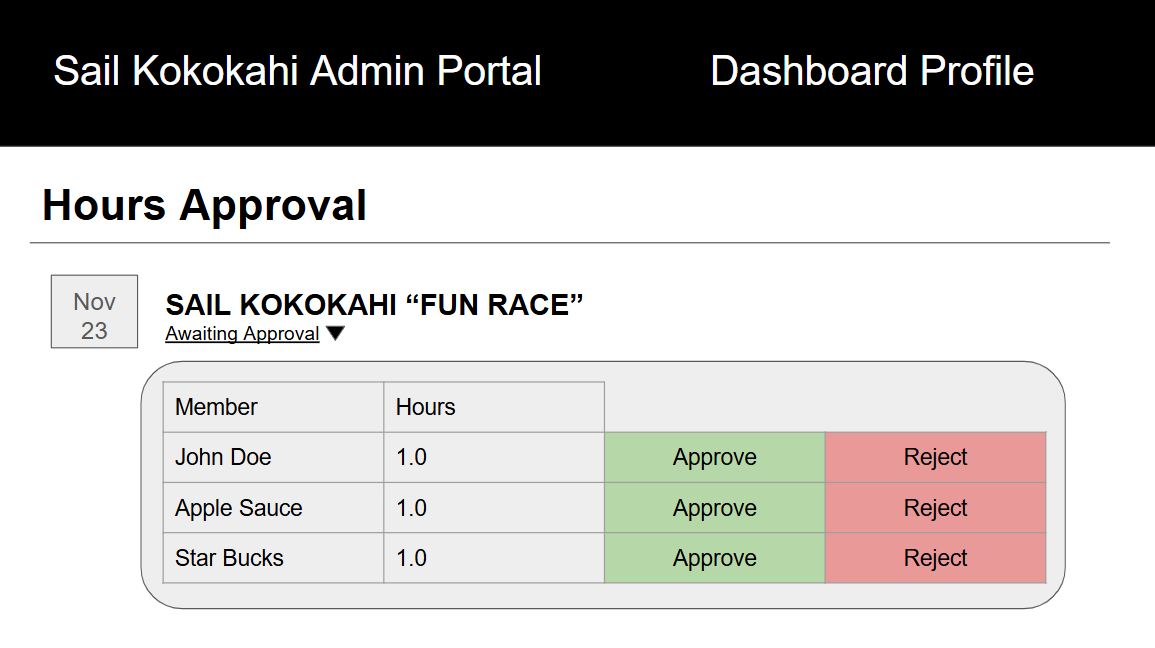
The hours approval page is where members who have checked-in for a particular event can be viewed by admin users. Admin users will be able to either approve or reject their hours depending on if they actually attended the event or not.
Milestone 1
M1 Progress Page
- Landing page
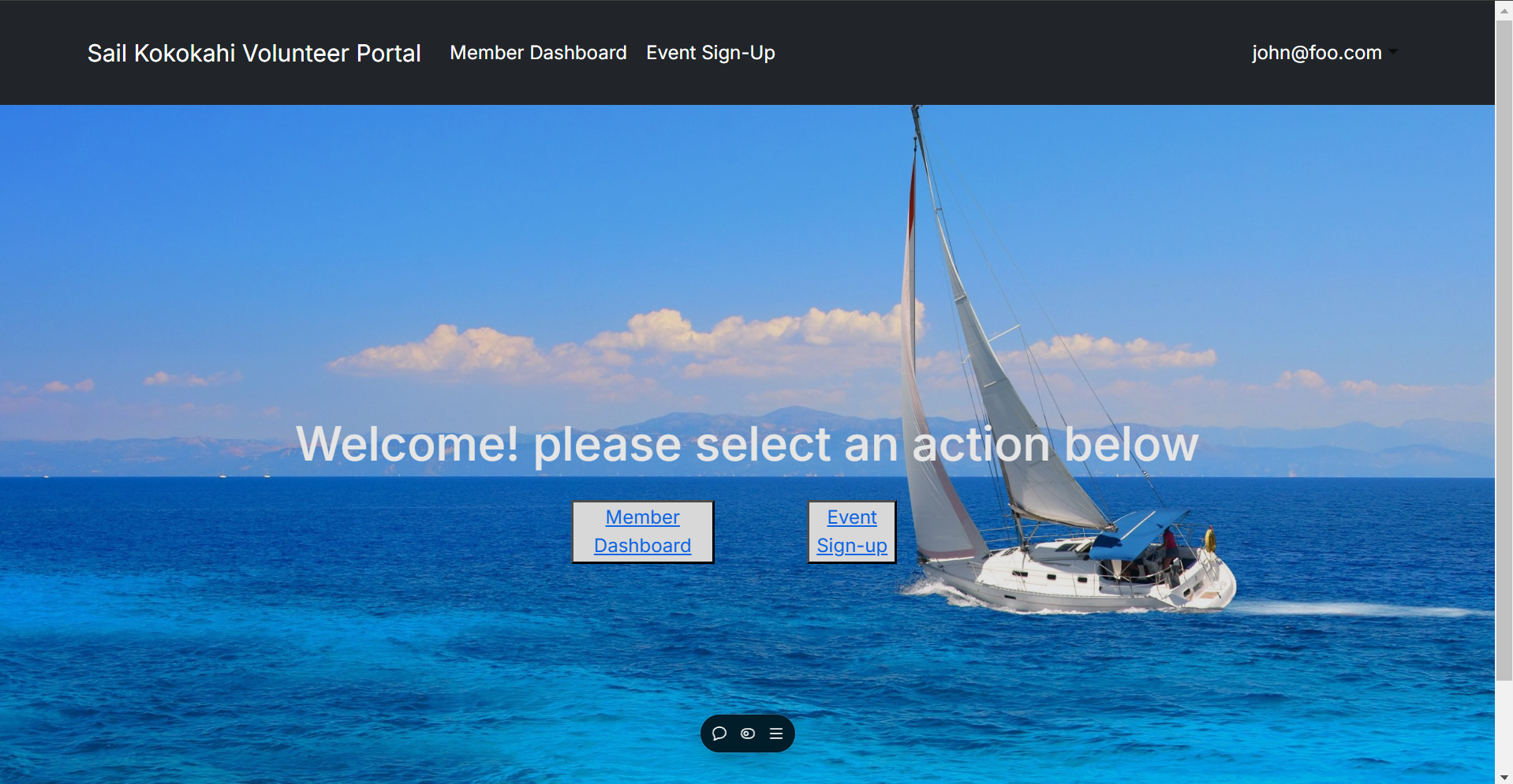
- Member Dashboard
- Admin Dashboard
- Event Signup
- Profile Management
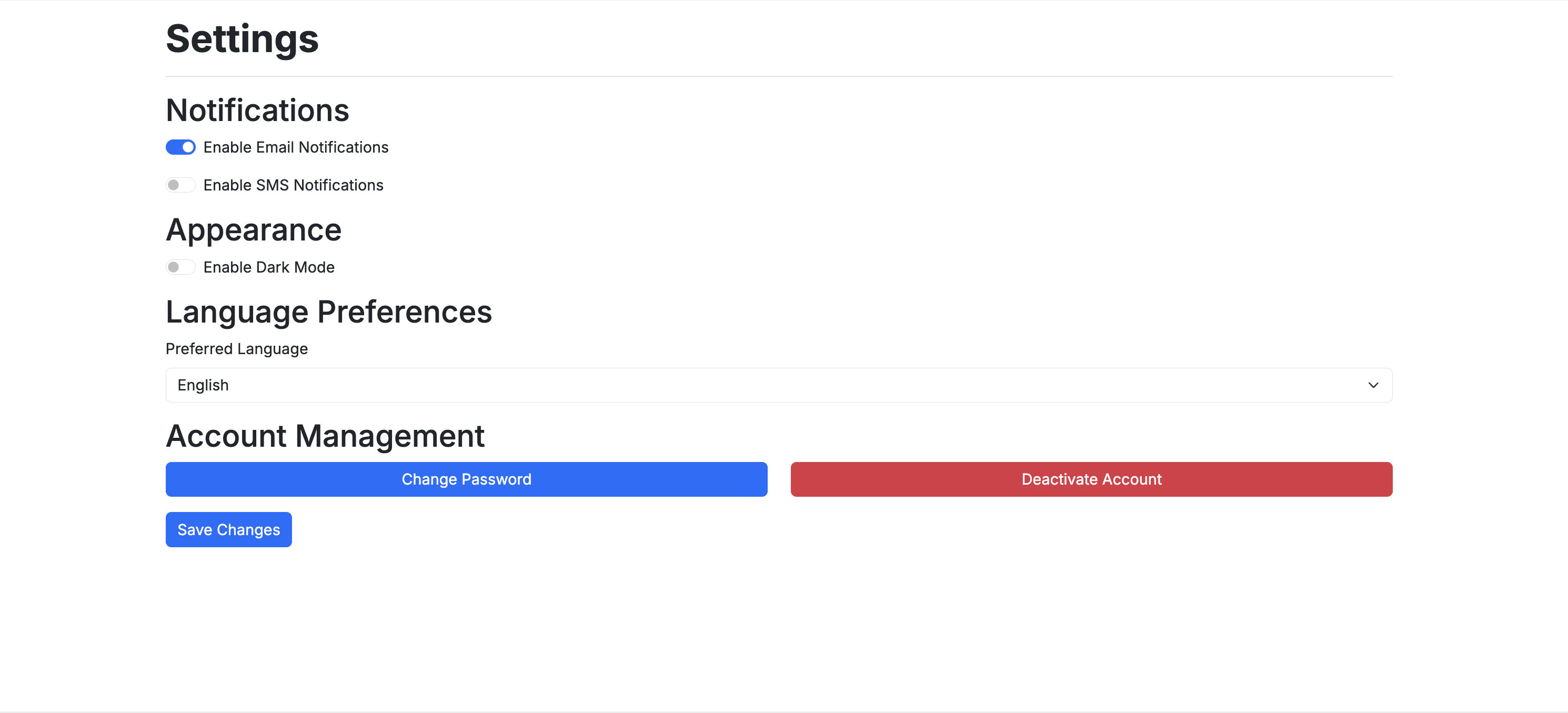
- Settings
Milestone 2
M2 Progress Page
- Member Landing page
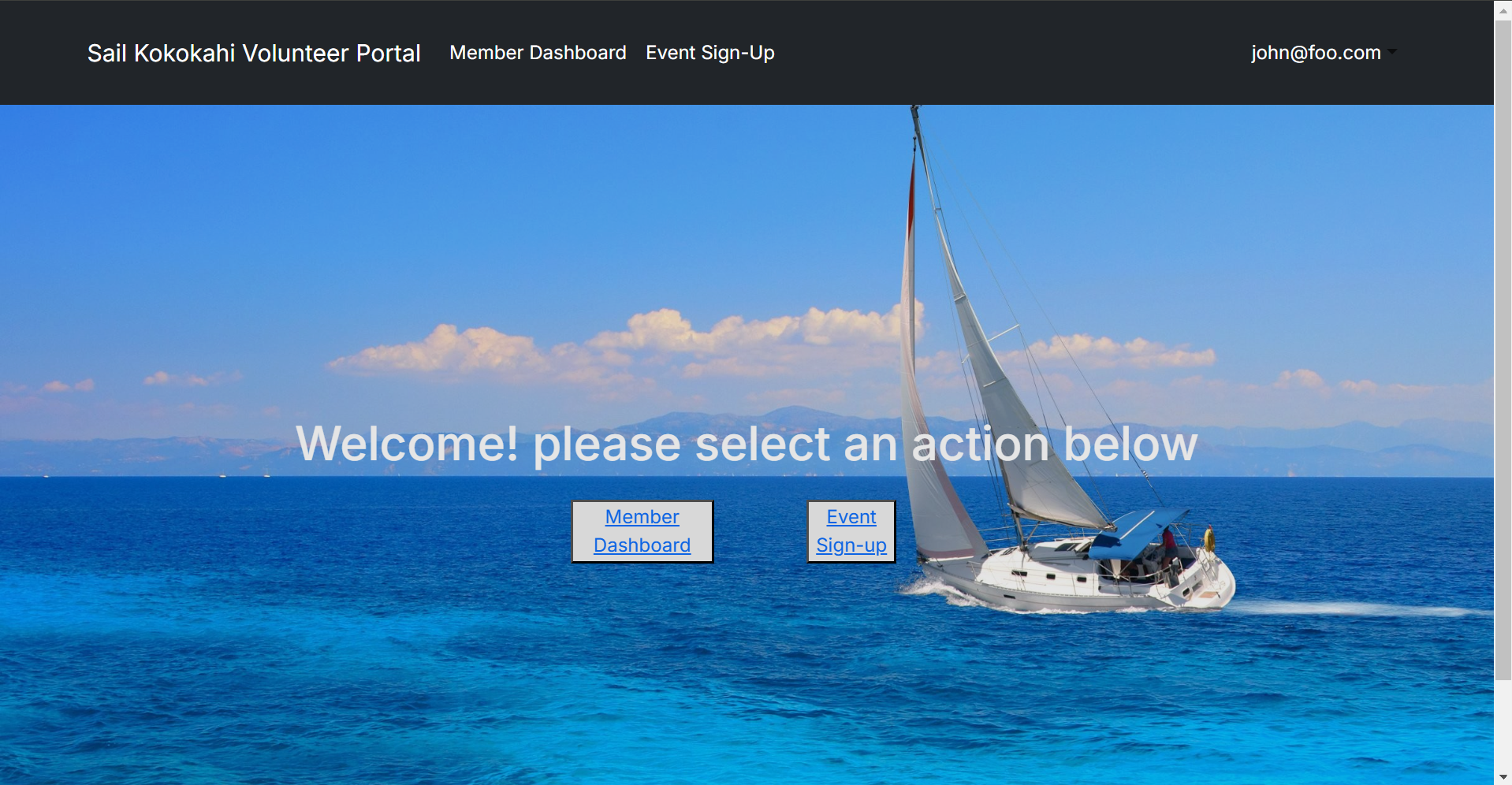
The member landing page has buttons that redirect the user to the pages members can access.
- Member Dashboard
The member dashboard displays the user with their current pending hours, approved hours and all the upcoming events.
- Event Sign-up
The member event sign-up page has all of the upcoming events that admins can create, all of these events are also viewable on the member dashboard under the “upcoming events” section.
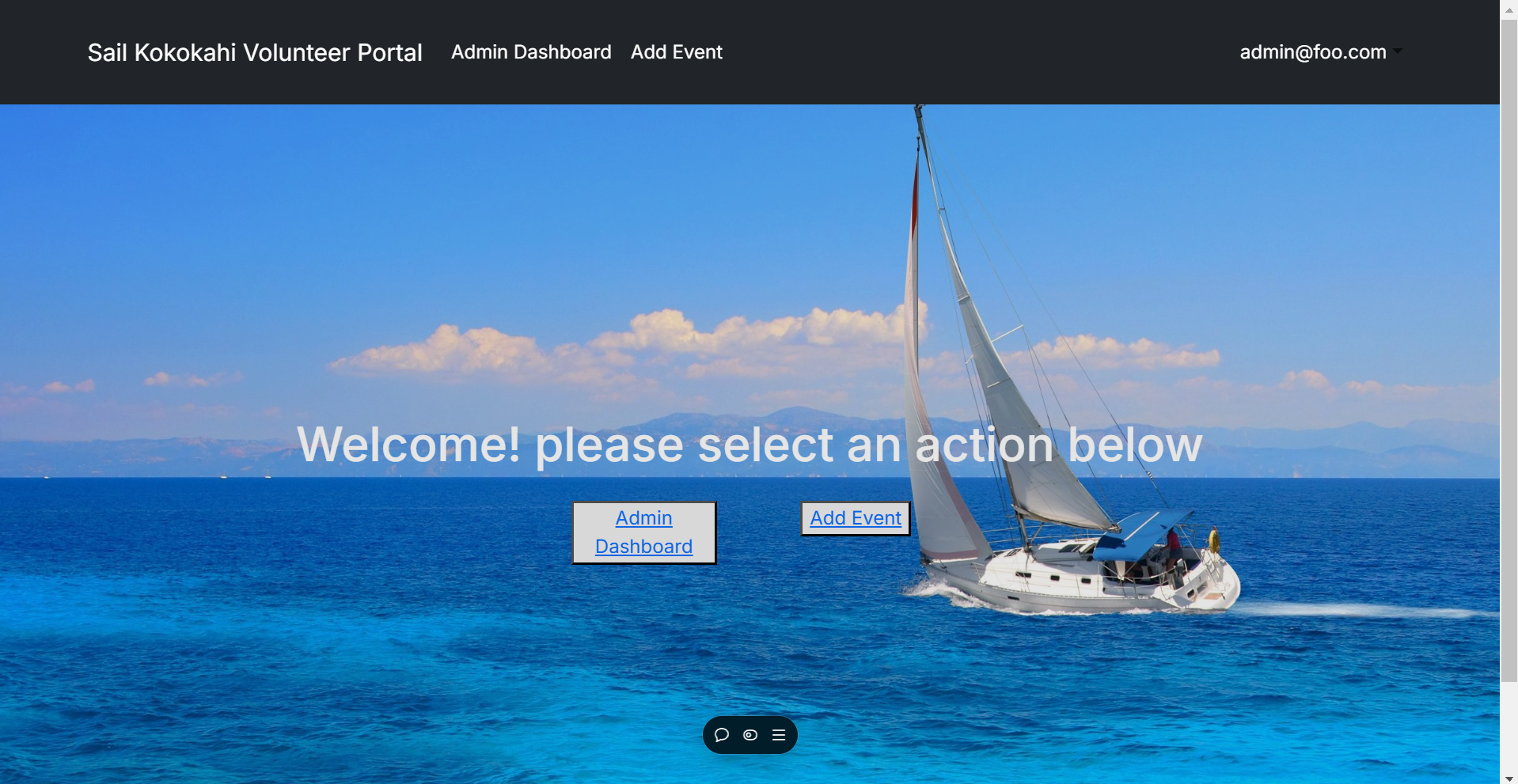
- Admin Landing page
The admin landing page has buttons that redirect the user to the pages admins can access.
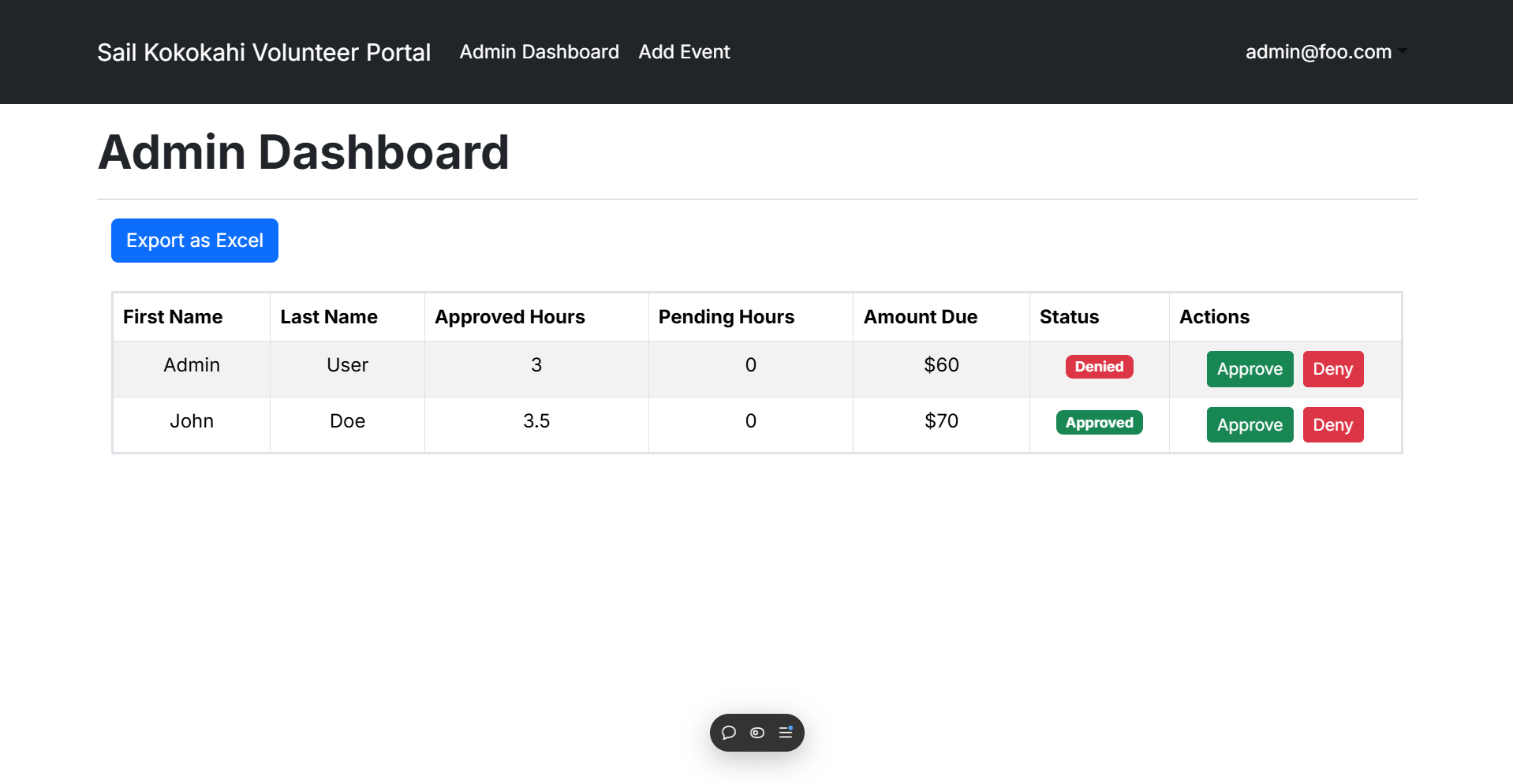
- Admin Dashboard
The admin dashboard shows a spreadsheet of all the users in the database along with their pending hours and approved hours. Admins can choose to approve or deny pending hours of the users who have checked into events.
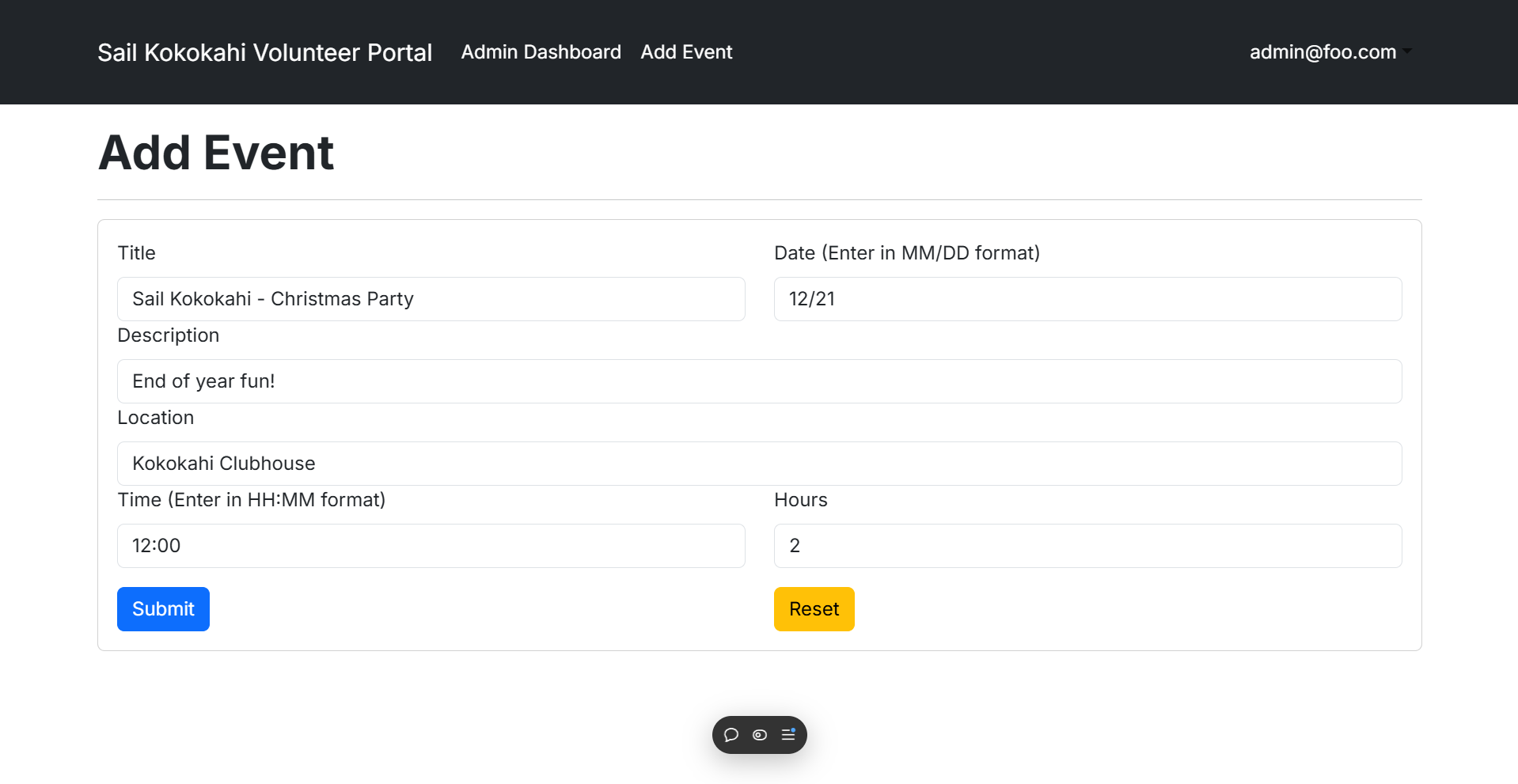
- Add Event
The add event page is only accessible to admins and creates a new event in the database for members to be able to see and check into.
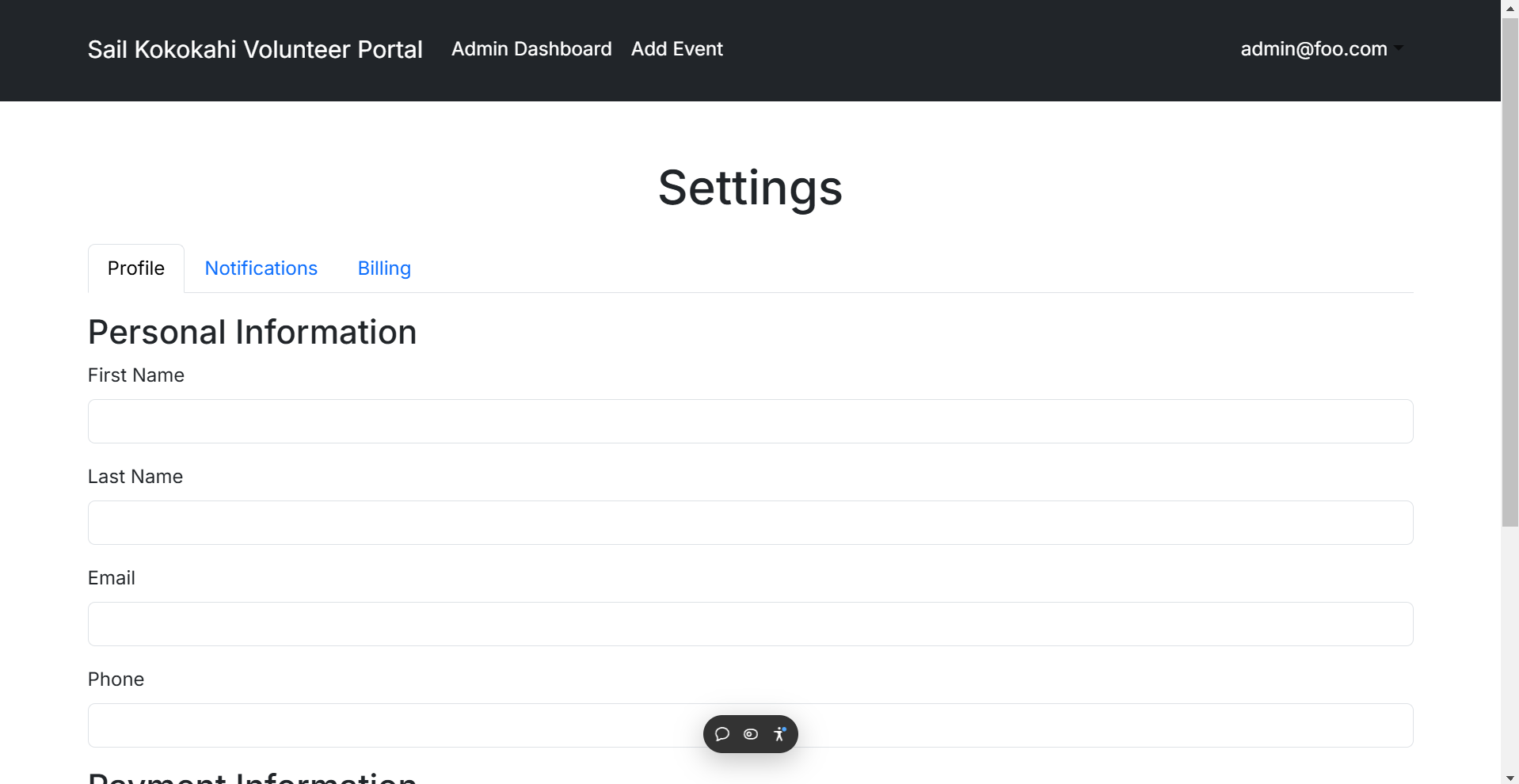
- Settings
The settings page is accessible to all members or admins, it allows the user to adjust their information if needed or enable notifications.
Milestone 3
M3 Progress Page
- Landing page
Both the admin and member landing pages were removed and we opted for a simpler approach by just having one landing page.
- Event Sign-up
The event sign-up page shows members all upcoming events while filtering out old events. It allows users to sign-up to an event, which will show up on the admin event analytics page so admins can easily see how many of their members are attending events.
- Admin Dashboard page
The admin dashboard now includes a chart that monitors progress strictly for new users.
- Events page
The events page is an admin only page that looks very similar to the event sign-up page for users, but it includes admin only commands such as “Delete Events” and “Print QR Code.”
- Event Analytics page
The event analytics page shows admin users all the users in the system who have either signed up for an event or checked into an event.
- Settings
Settings has been changed to a more user friendly format.
Community Feedback
Jacob
Jacob commends the website’s simplicity and readability, finding great interest in the event analytics page. He suggests that having a way to notify users of upcoming events via the phone number that can be linked to user accounts would be beneficial.
Christin
Christin finds the website easy to navigate but raises concerns about account creation. She mentions how users can create accounts to skew admin data and analytics pages without penalty.
Gabriel
Gabriel appreciates what the website offers but notes the small navbar buttons. He prefers a larger and easier to see navigation bar to make for easy use of the website.
Brock
Brock praises the website’s user-friendly interface but questions the necessity of a phone number upon account creation. Brock believes that having more options for members such as email or phone notifications to remind them of events can make the website significantly more useful.
Savannah
Savannah loves the functionality of the website and all the options that admin users have but questions the format of the admin dashboard. She is confused by the need for both a table and a chart, and thinks that the new user data should be on a separate page to improve readability when 50+ users are added to the system.